

Your first load test
The quickest start: right-click a request and choose Load Test This Request…. korAPI makes a test of 10 users for 30 seconds. Or open Load (⌘2 (Ctrl+2)) and choose New Load Test.
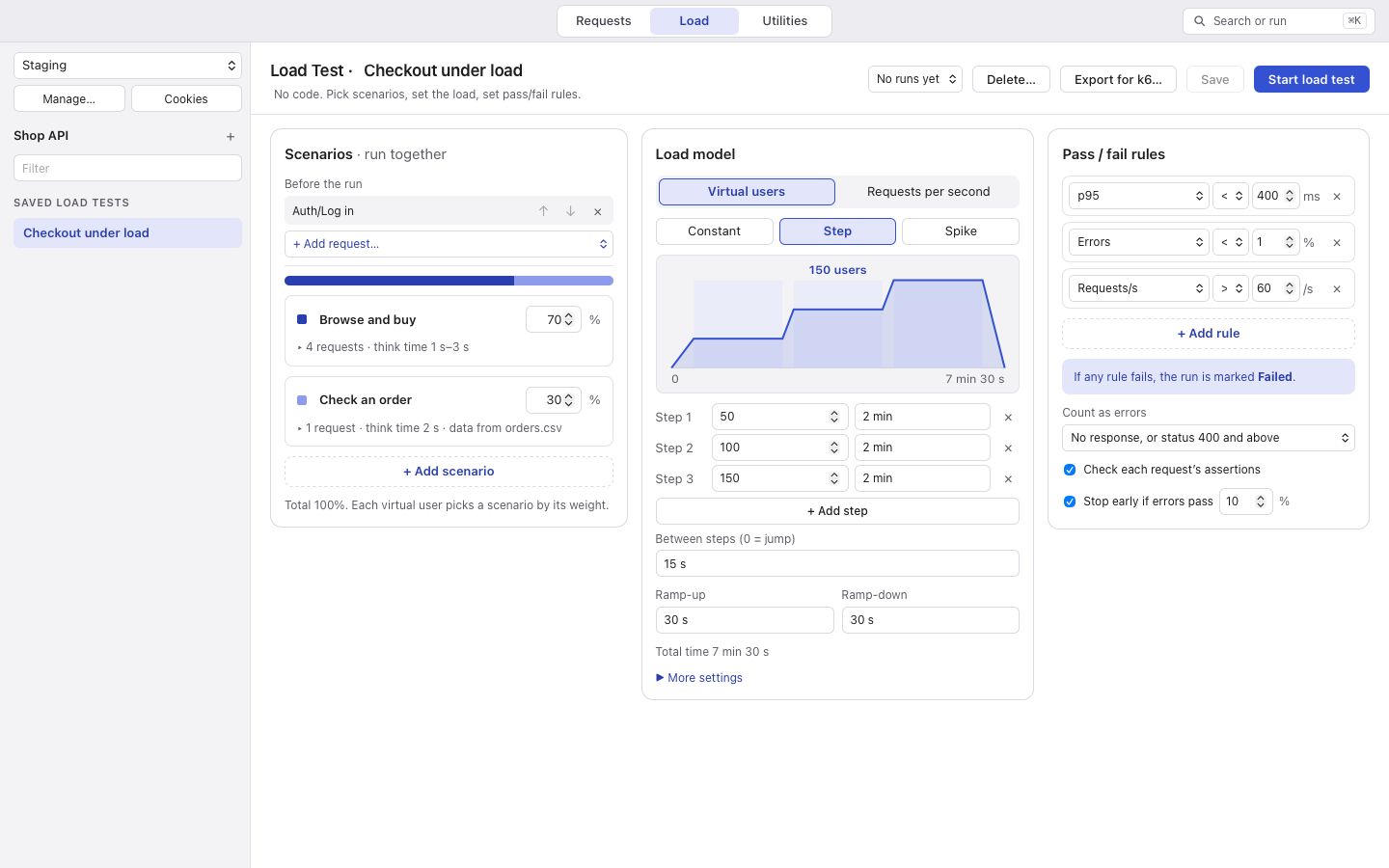
Starting
Section titled “Starting”Choose the environment in the Load sidebar; production environments cannot be used. Start shows what will happen before anything is sent: the host, the load, the environment, and any request whose script will not run during the test. Confirm with Start Load Test.
Requests under Before the run are sent once first, as Send sends them. The values and cookies they set are shared with every user. If one of them gets an error or no response, the test does not start.
Stopping
Section titled “Stopping”Stop ends the test and keeps everything measured so far. In users mode, Ramp Down Now lets each user finish the request it is in first. Your computer will not go to sleep while a test runs.